 Case Converter Online
Remove Text Formatting
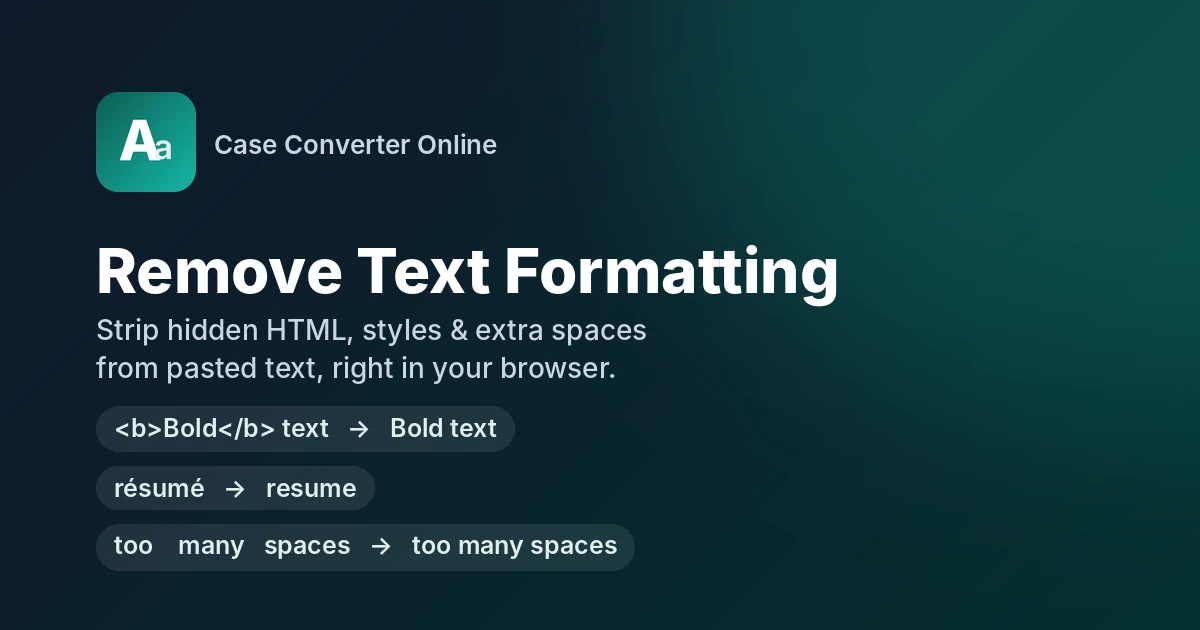
Remove Text Formatting strips unwanted styling, HTML, emojis, accents & extra whitespace from pasted text in your browser. Useful & time-saving for developers, bloggers & writers.
Tip: select part of the text to clean only that part.
About Remove Text Formatting
Remove Text Formatting is an online tool that removes unwanted text formatting you have copied from PDFs, stripping styling, hidden formatting, emojis, HTML tags, accents, extra whitespace & invisible codes in a single click. After using it, you'll get cleaner text without any unnecessary formatting & you can paste it wherever you want. This tool is useful & time-saving for developers, bloggers & writers.
How to Use Remove Text Formatting
Using this tool is easy, follow the steps below:
- Paste the text into the top box, which you want to remove text formatting.
- Adjust your desired settings. Each setting gives you full access over your content.
- Check your clean result, then copy or download it.
Remove Text Formatting Buttons Explained
Here is a simple guide about buttons & options to manage. You can customize these settings to get your desired formatting result.
Upload a File
By clicking on upload a file, you can upload a .txt file.
Random Example
You can generate random text by clicking the Random example button.
Your Text
You can type any text or paste any copied text to get results.
Clean Text
It will unformat anything from the text, which you have selected, like remove emoji, remove punctuation, & remove all quotes etc.
Copy
It will copy the result.
Download
By clicking on the download button, you can download your result in the form of a .txt file.
Clear
It will clear all the text you type, pasted or uploaded in the form of .txt.
Undo
If you have deleted anything from the result, you can get it back by clicking the undo button.
Redo
It will reverse the action of the undo button.
Select All
It will select all the options from the tool.
Select None
It will unselect all the options from the tool.
Reset to Default
It moves the tool setting to its default setting.
All Features of Remove Text Formatting
Formatting & Markup
Remove HTML Tags
It removes all the HTML tags from your content & keeps only the text.
E.g:
<h1>Welcome to <em>My Blog</em></h1>becomesWelcome to My BlogDecode HTML entities
Convert numeric entities into characters which are readable.
E.g:
& < >becomes& < >Remove Emoji
It removes all emojis from your content, especially for AI content.
E.g:
Ship it 🚀 today 👍 and done ✅becomesShip it today and doneRemove Accents
It turns back accented letters into their original form.
E.g:
résumé, exposé, communiquébecomesresume, expose, communiqueRemove Non-ASCII Characters
It strips foreign letters, symbols and emojis, & leaves only basic ASCII text. Useful for code editors, databases and older systems.
E.g:
Price: 50€, naïve textbecomesPrice: 50, nave textRemove Symbols
Strips out trademark, copyright & dagger-style symbols & keeps your text clean.
E.g:
Acme® Tools © 2026becomesAcme Tools 2026
Whitespace
Remove Tabs
It deletes every tab character (\t) from your text. It removes extra whitespace and indentation that often carries over when you copy from Excel, Google Sheets, Word or code editors.
E.g:
Name Qty TotalbecomesName Qty TotalCollapse Multiple Spaces
squeezes double or multiple spaces into one single space, so your text is readable.
E.g:
too many spacesbecomestoo many spacesTrim Each Line
It removes every leading & trailing whitespace. It doesn't touch inner space & line breaks.
E.g:
Applesbecomes
Mangoes
BananasApples
Mangoes
BananasRemove Blank lines
It removes empty blank lines from text, so content shows up tight and tidy.
E.g:
First linebecomes
Second line
Third lineFirst line
Second line
Third lineCollapse Multiple Blank lines
It collapses multiple blank lines into one blank line, & keeps your paragraphs separated.
E.g:
Para onebecomes
Para twoPara one
Para twoRemove all line breaks
It removes every line break from your text & merges everything into a continuous paragraph.
E.g:
Thank you for your order.becomes
It will be shipped
within two days.Thank you for your order. It will be shipped within two days.
Punctuation & Quotes
Convert Smart Quotes to Straight
It converts curly quotes into straight quotes.
E.g:
const title = “Case Converter”;becomesconst title = "Case Converter";Remove all Quotes
It deletes all single and double quotes from the content.
E.g:
"Smart" and 'curly' quotesbecomesSmart and curly quotesRemove Punctuation
It strips all punctuation marks including periods, commas, question marks, exclamation points, colons and brackets.
E.g:
Hello, world! Is this working? Yes: it's great.becomesHello world Is this working Yes it's greatRemove Non-Alphanumeric Characters
It deletes all symbols & punctuation & keeps the rest text & numbers.
E.g:
Order #4521: $99.50 (paid)!becomesOrder 4521 9950 paid
Duplicates & Extra
Remove Duplicate Lines
It finds repeated lines in your text & deletes the extra copies, keeping only the first time each line appears.
E.g:
case converterbecomes
text tools
case converter
word counter
text toolscase converter
text tools
word counterRemove Repeated Adjacent Words
It deletes words that appear back-to-back more than once, keeping only the first one.
E.g:
We are are launching a new new tool.becomesWe are launching a new tool.Remove Email Addresses
It strips all email addresses from your content.
E.g:
Send your CV to [email protected] or [email protected] today.becomesSend your CV to or today.
Change Case
No Change
It keeps your original content as it is & does not change anything.
UPPERCASE
It will capitalize all letters in the content.
E.g:
free online tools 2026becomesFREE ONLINE TOOLS 2026lowercase
It converts all letters into small, non-capitalised letters.
E.g:
Welcome To MY Websitebecomeswelcome to my websiteSentence case
It converts only the first letter of the first word into capital & keeps the rest lowercase.
E.g:
tHIS tOOL fixes mixed CAPS quickly.becomesThis tool fixes mixed caps quickly.Proper Case
It converts the first letter of every word into capital & keeps the rest lowercase.
E.g:
john smith lives in new yorkbecomesJohn Smith Lives In New York
Why Use Remove Text Formatting?
- Clean paste, every time: It removes fonts, color, inline CSS and invisible HTML tags, so the text you copy from a website, PDF or email becomes clean.
- One style across your content: Once the original formatting is gone, your text picks up the look of your own page, template or editor, so every section matches.
- Saves time: Don't manually prettify with bold, italic, font size and color settings. Paste, clean, and move on.
- Works in strict fields: Plain text goes into CRMs, web forms, plain-text email clients and code editors without breaking the layout.
- Easy to read and use: Without clashing styles and hidden markup, text is easy for readers and for screen readers to process.
Common Situations Where This Tool Helps
- Text from Word or Excel: If you copied text from Word or Excel, this tool removes fonts, tabs & odd spacing.
- Web Content: When you copy text from websites it carries hidden HTML, classes & links, this tool helps you get just the text.
- Check before publishing: Always check your text before using it in a CMS, newsletter, or email to avoid unnecessary formatting carrying over.
Frequently Asked Questions
What gets removed when you clear formatting from text?
It removes styling, whitespace, tabs, etc., keeping your text neat and clean.
Do I need to sign up?
No, there is no need to sign up.
Are there any charges for using this tool?
No, it's completely free, with no hidden charges.
Which devices support Remove Text Formatting?
You can use it on any device including PC, laptop, Android & iOS.
Can I only type or paste text into this tool?
No, you can also upload a .txt file.